Label Scan: create a draft by photographing the back label
Hello.
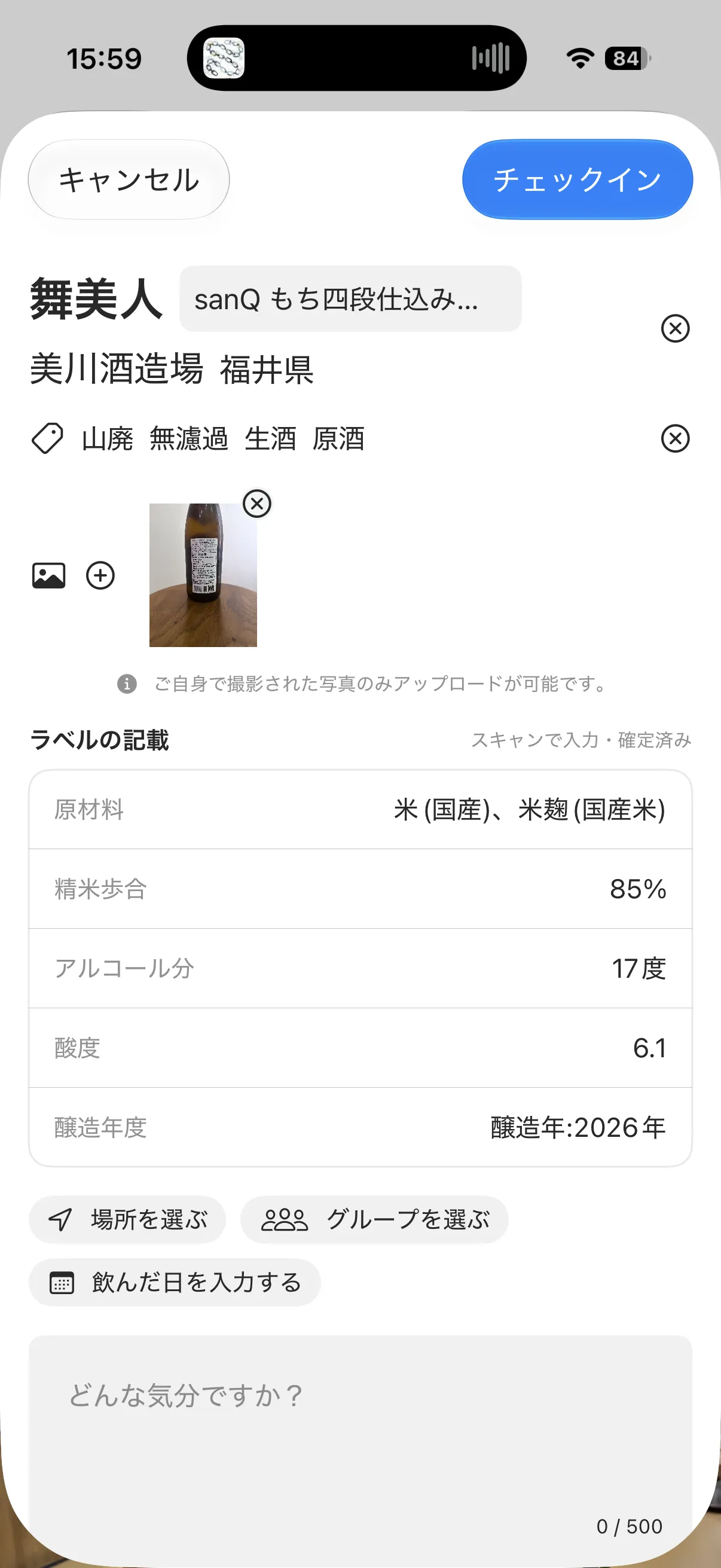
You can now scan the back label when checking in to automatically select the brand and fill in details such as the rice variety, polishing ratio, and alcohol content.
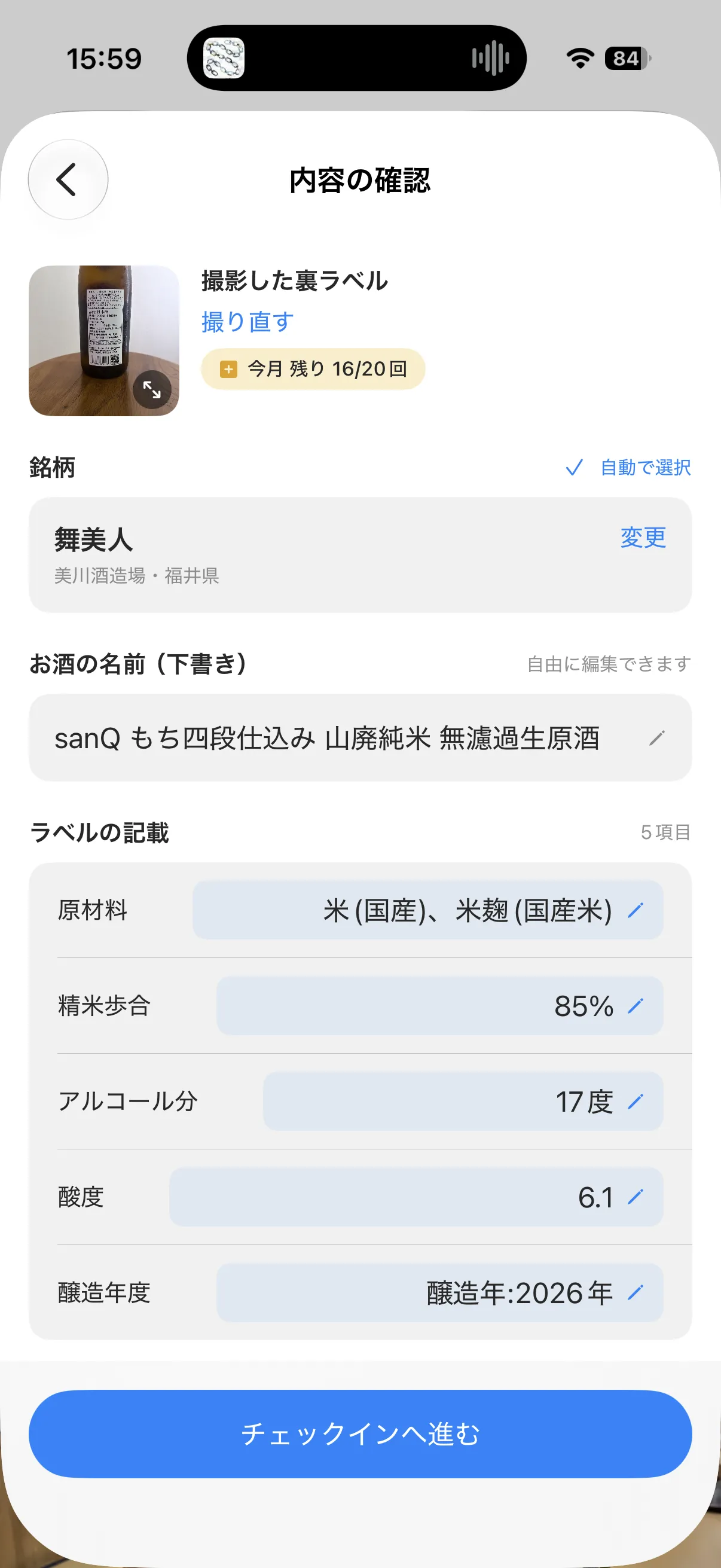
What it does
Tap the check-in button and choose “Scan Label”. Photograph the back label, and within a few seconds the following information is drafted:
- Brand — selected from the brands registered on Sakenowa
- Sake name — identifies the specific name beyond the brand. Example: Sawaya Matsumoto Shuhari Yamadaho 2015
- Label details — specific designation, ingredients, alcohol content, rice polishing ratio, sake meter value, acidity, yeast, and other information printed on the back label
- Tags — tags such as Yamahai, Muroka, and Namazake are also selected from what was read
Photograph the back label
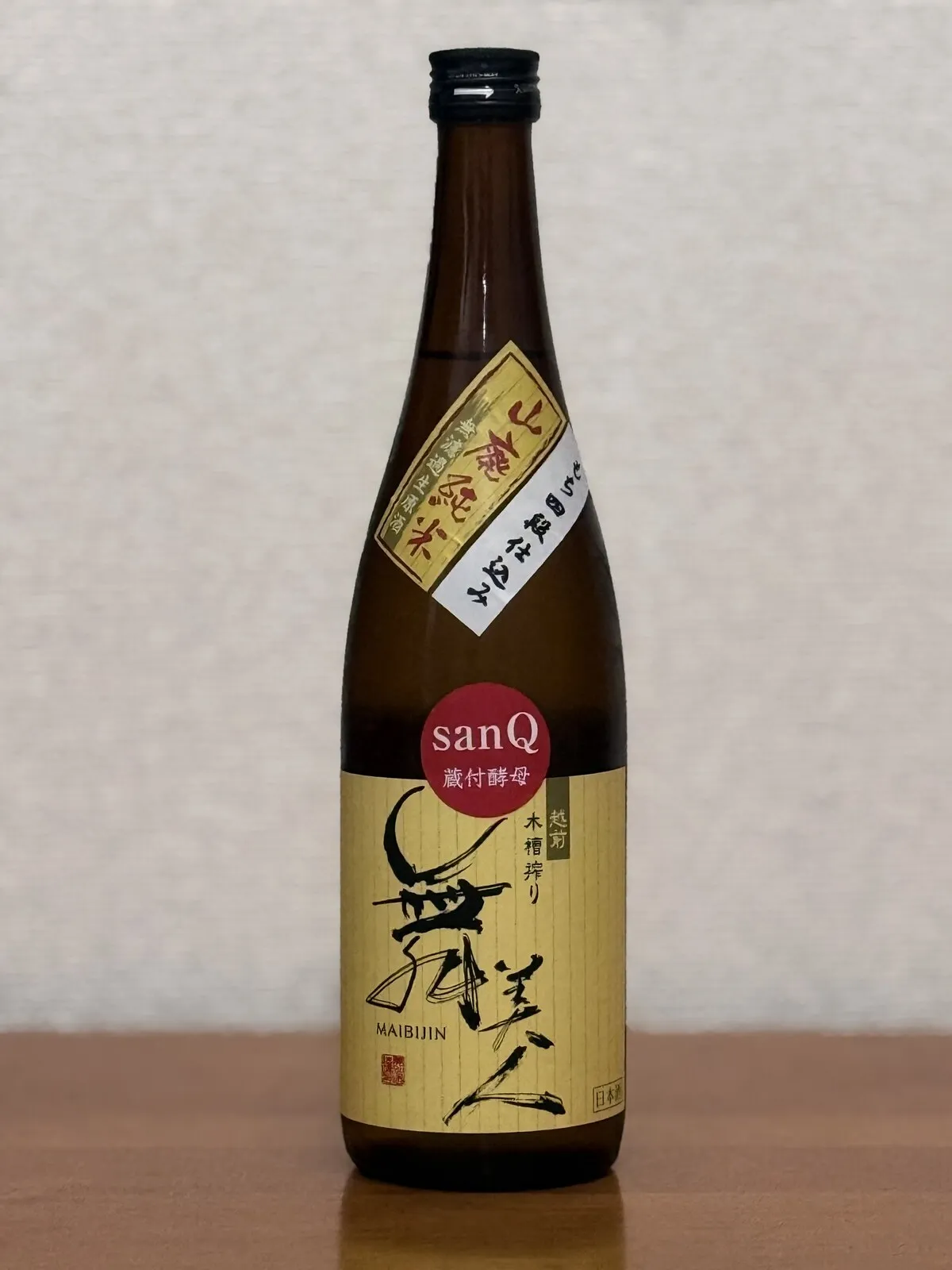
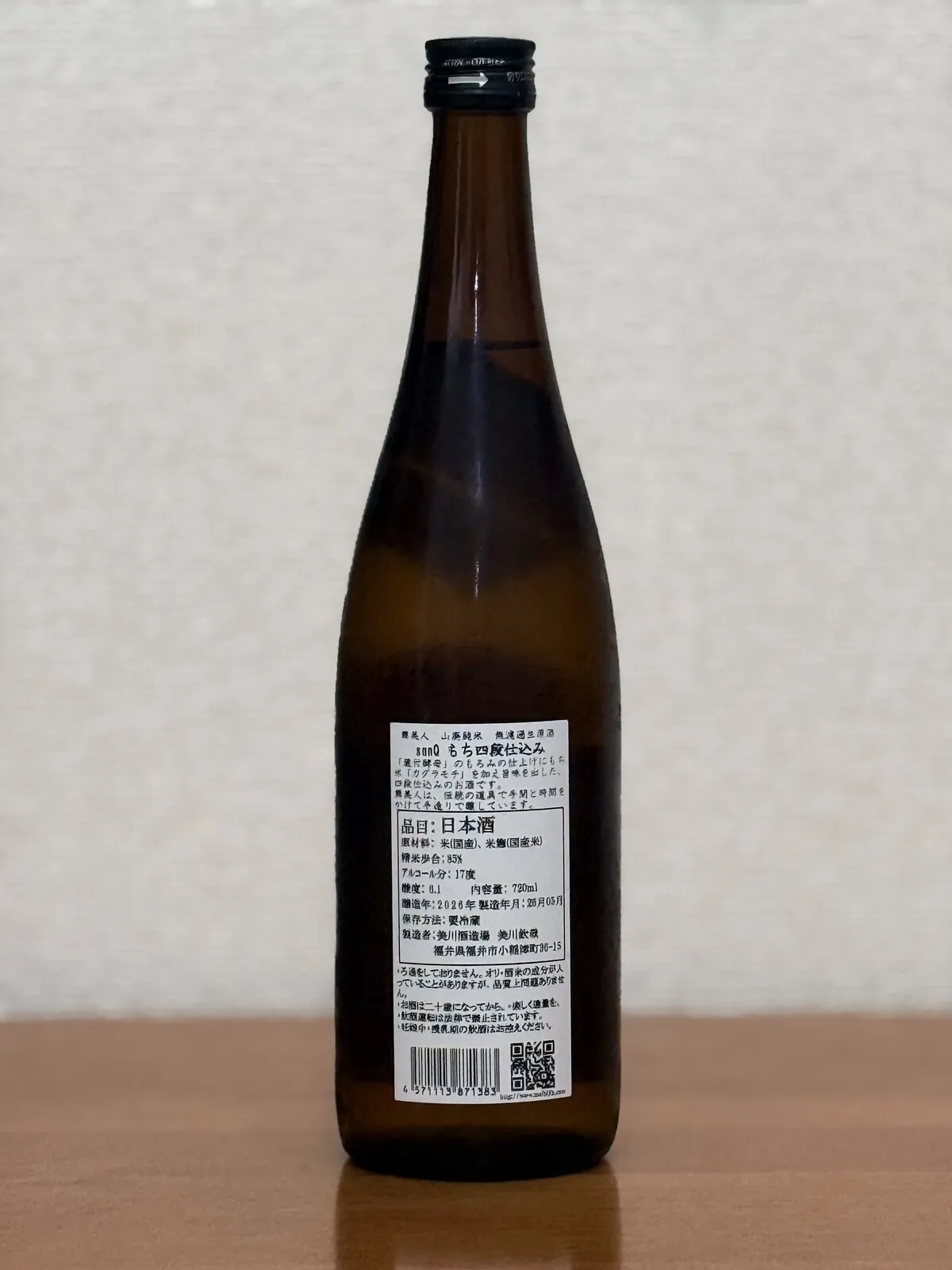
The back label is the side where the ingredients, polishing ratio, and alcohol content are printed together. The front label often carries only the brand name, so photographing the back label gives you a fuller draft.
How to use it
- Tap the check-in button and choose “Scan Label”
- Frame the back label and take the photo
- Check the result and correct it if needed
- It carries over to the usual check-in form, where you write your notes and post
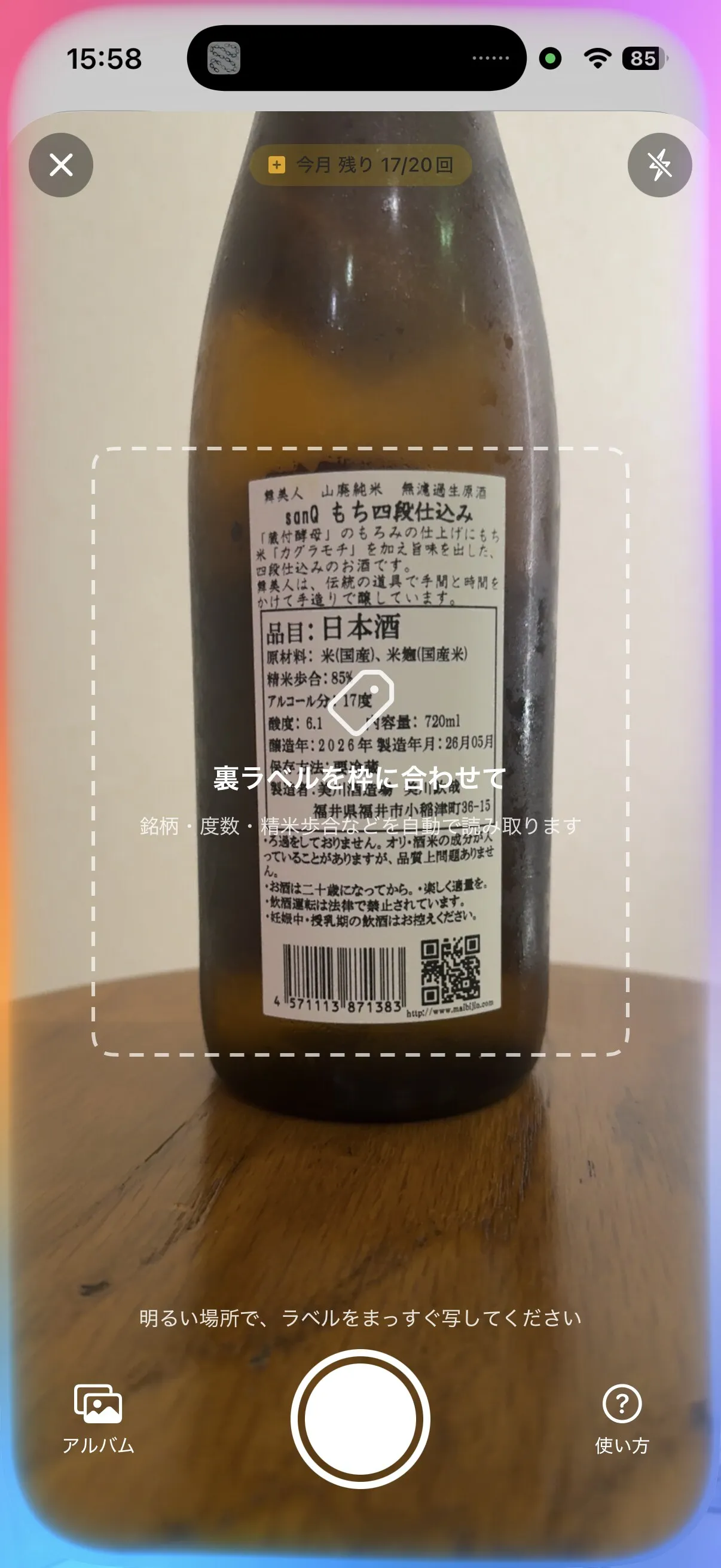
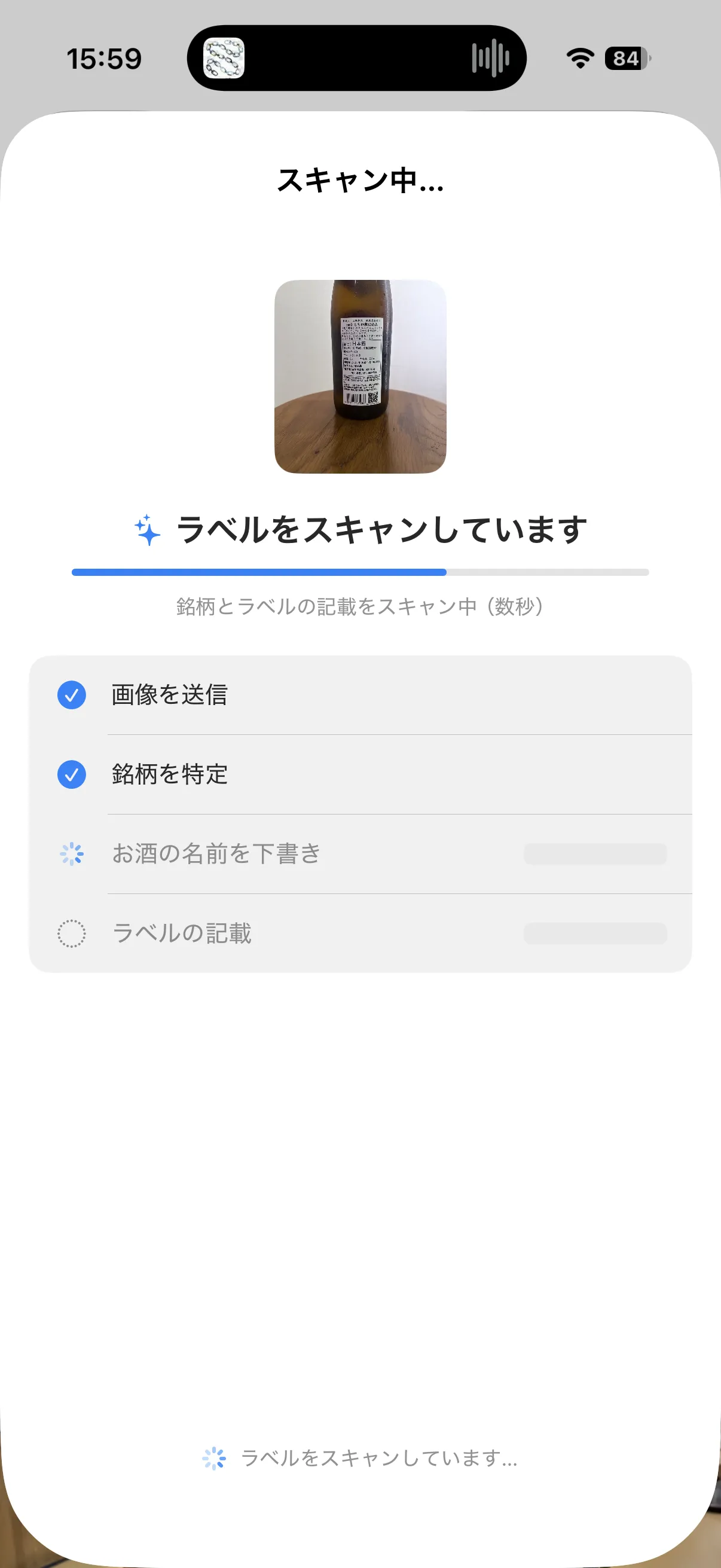
What you confirm carries straight over to the check-in form.
If it doesn’t read well, try again while keeping the camera steady and holding it at an angle where the label looks flat. If it still can’t be read, you can enter everything by hand as before.
About the limit
Label Scan is a feature for Sakenowa+ members. If you’re not a member yet, you can try it up to 3 times in total.
- Sakenowa+: up to 20 scans per month
- Everyone else: 3 scans as a trial
What’s next
For now, Label Scan supports back labels. As we see how people use it, we plan to add support for front labels and improve scan accuracy.
There’s a more detailed guide on this page.